
Kingroot
Tools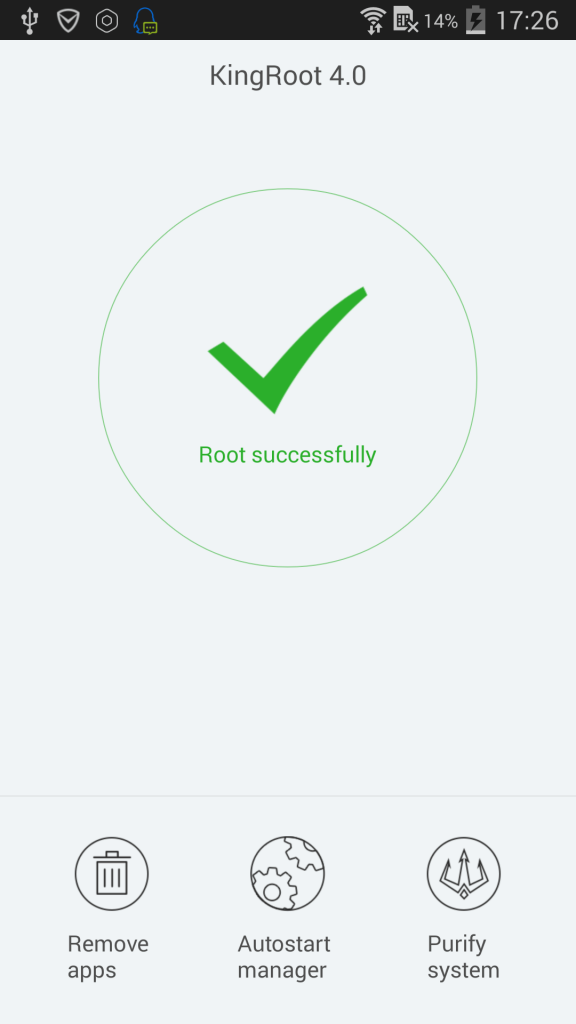

Kingroot is a one‑click rooting solution for Android smartphones. It aims to bypass manufacturer locks so users can gain full system access and install custom modifications, apps, or tweaks that require root privileges.
This page provides the latest official build (v5.4.0), a quick overview, installation steps, and practical advice on safety and troubleshooting.
Quick Information
| App/Game Name | Kingroot |
| Latest Version | 5.4.0 |
| Developer | Not listed |
| Category | Apps / Tools |
| App Size | 10.99 MB |
| Package Name | com.kingroot.kinguser |
| Last Updated | 14 January 2026 |
What Is Kingroot?
Kingroot attempts to exploit known vulnerabilities in Android firmware to obtain root access without unlocking the bootloader manually. The tool is targeted at users who want to enable features normally restricted by OEMs, such as custom ROMs, ad‑blocking, or deeper system tweaks. It works on a variety of devices, but success is not guaranteed for every model or Android version.
Because rooting modifies the core operating system, it can void warranties, affect OTA updates, and potentially introduce stability issues. Users should back up important data before proceeding.
Compatibility
| Android Version | ✓ Verified — 5.0 and up |
| Architecture (ARM64 / 32-bit) | Not Verified |
| Internet Connection | ✓ Verified — May be required for ads, updates, or login |
| Storage Needed | Not Verified |
| OBB/Data Files | Not Verified |
| Root Required | Not Verified |
How to Install
- Download the Kingroot APK file to your device.
- Open Settings → Security and enable Install unknown apps for the browser or file manager you used.
- Locate the downloaded
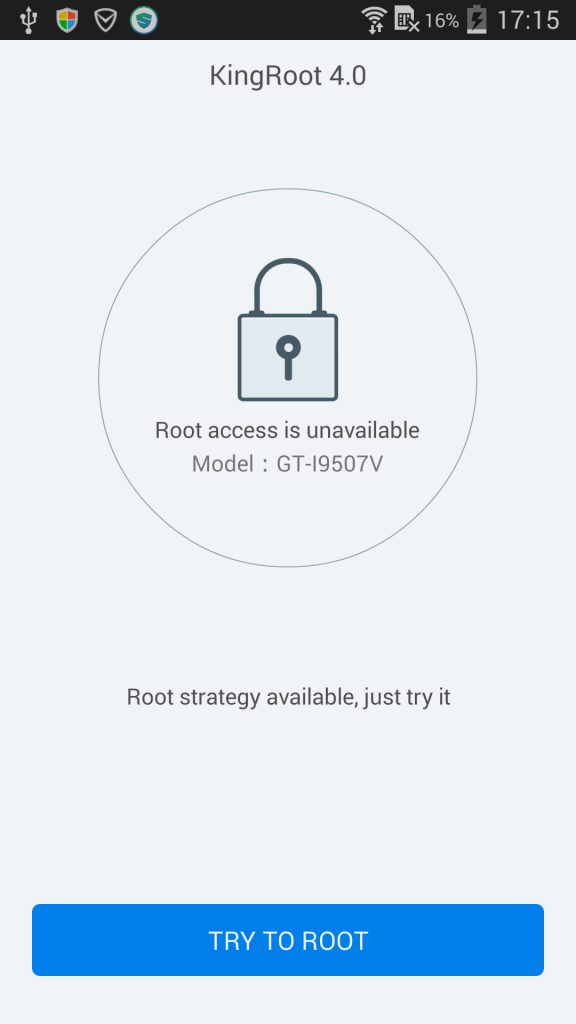
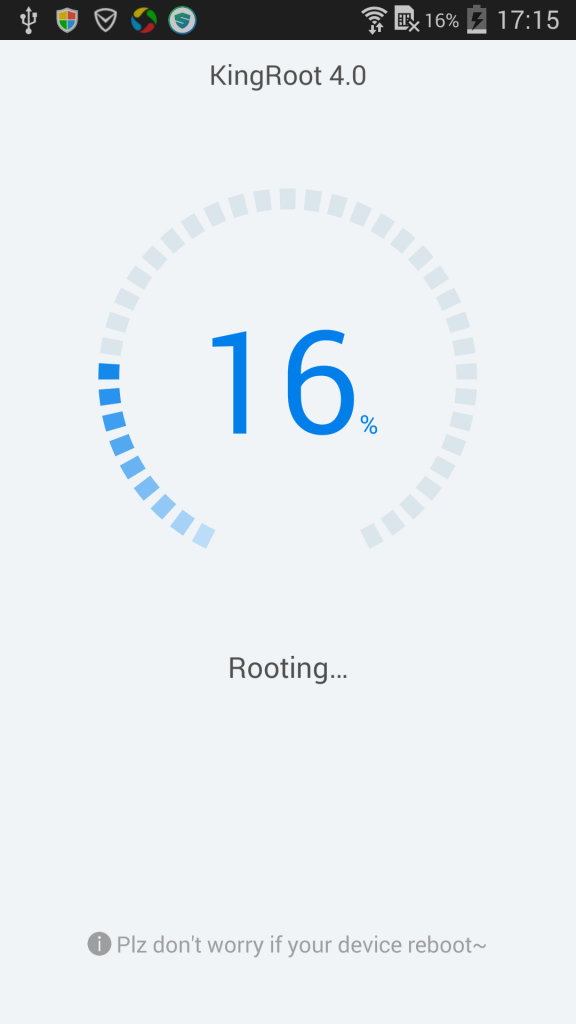
Kingroot.apkand tap it to start the installation. - After installation, launch Kingroot and follow the on‑screen instructions to begin the rooting process.
- When the process finishes, the app will indicate whether root was successful. A reboot may be required.
Troubleshooting
- App not installed: Ensure unknown sources are enabled and that the APK is not corrupted.
- Root fails or device reboots: The device may be unsupported or have a patched security patch. Try a different rooting method or check online forums for device‑specific tips.
- Kingroot crashes on launch: Clear app data (Settings → Apps → Kingroot → Storage → Clear data) and restart the app.
- Features not working after root: Some apps detect root status and may refuse to run. Consider using a root‑hiding tool if needed.
Safety & Security
Rooting modifies system files, which can expose the device to security risks if not managed carefully. Always download Kingroot from a reputable source, verify the file’s integrity, and review the permissions it requests. After gaining root, avoid installing untrusted apps or granting them superuser rights unless you understand the consequences. Remember that future OTA updates may fail on rooted devices, and manufacturers may refuse warranty service.
How Kingroot Compares
| Feature | Kingroot | Magisk | SuperSU |
|---|---|---|---|
| Price / Free model | Free | Free (open‑source) with optional paid modules | Free (legacy) |
| Platform availability | Android (various versions) | Android (requires custom recovery) | Android (requires custom recovery) |
| Standout feature | One‑click root without unlocking bootloader | Systemless root and extensive module ecosystem | Simple UI for managing superuser permissions |
| Best for | Users seeking quick, no‑recovery root attempts | Advanced users who want modular, reversible rooting | Users preferring a straightforward permission manager |
Alternatives
- Magisk – Offers systemless root, hide root from apps, and a thriving module repository.
- SuperSU – Classic superuser management tool, often paired with custom recoveries.
- KingoRoot – Another one‑click rooting app with a similar approach to Kingroot.
- Framaroot – Lightweight rooting utility for older Android versions.
Final Verdict
Kingroot provides a convenient, free method to attempt root on many Android devices without flashing a custom recovery. It’s best suited for casual users who want a quick try, but success isn’t guaranteed and the process can void warranties. Verify device compatibility, back up data, and be prepared to revert if rooting fails or causes instability.
Frequently Asked Questions
Kingroot is a legitimate rooting tool, but rooting always carries security and warranty risks. Download it from a trusted source and only grant superuser permissions to apps you trust.
Support varies by device; Kingroot works on many Android versions but may fail on newer releases with patched exploits.
Rooting can void the manufacturer’s warranty in many cases, especially if it requires unlocking the bootloader or flashing custom images.
After Kingroot finishes, it will display a success message. You can also install a root checker app from the Play Store to verify root status.
Yes, you can uninstall the Kingroot app, but the root access it granted will remain until you unroot or flash a stock firmware.
No, Kingroot is a standalone APK that runs directly on the Android device.
Try restarting the device and running Kingroot again, or look for device‑specific rooting methods on community forums.
Kingroot is offered as a free app; there is no official paid version.